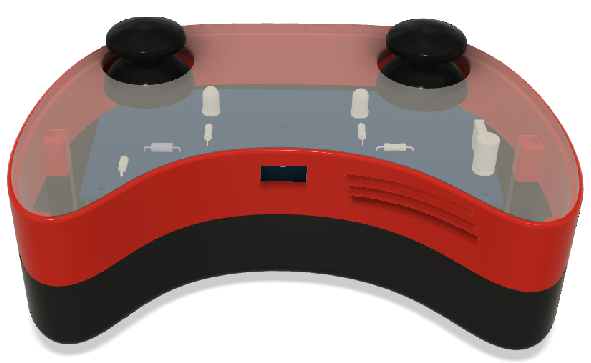
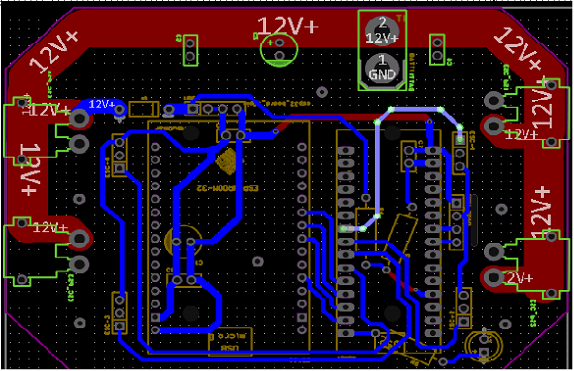
Flight Controller PCB
A custom-designed wireless Flight controller PCB with proprietary Firmware.
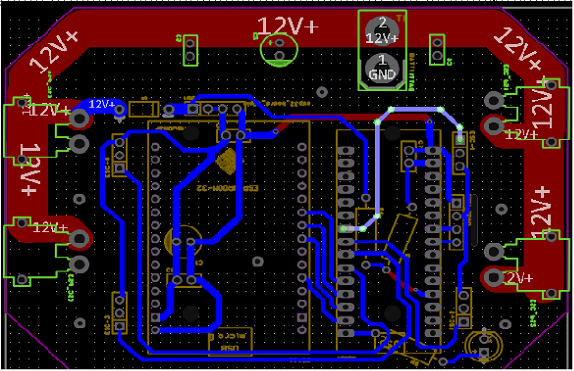
A custom-designed wireless Flight controller PCB with proprietary Firmware.
Complete design and implementation of a custom drone remote controller
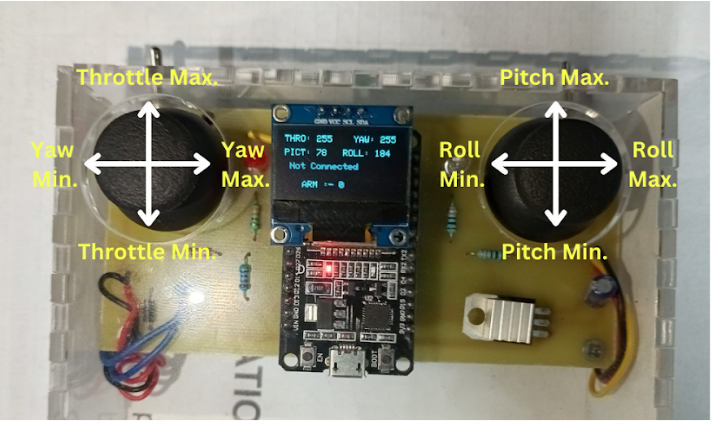
This project involved designing and building a fully functional wireless Flight controller specifically for drone operation. The controller features plug and play design for easy swaping of components, ESP-NOW protocol for communication between drone and controller, and a custom PCB designed for reliability and performance.
The remote was developed as part of the MS101 Makerspace initiative, showcasing expertise in electronics design, firmware development, and mechanical integration.
ESP32-based with both Bluetooth and WiFi capabilities
Professional-grade PCB with power management and protection
Custom firmware for precise control and calibration
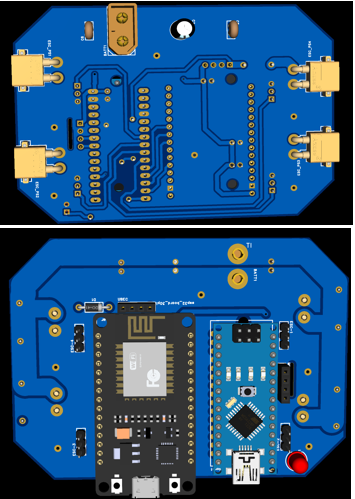
Key electronic components used in the remote controller
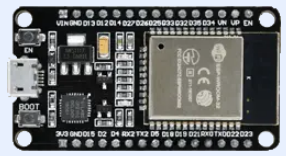
Low-cost, low-power system on chip with integrated Wi-Fi and dual-mode Bluetooth. Features a dual-core microprocessor.
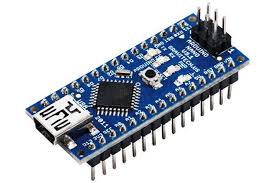
Low-cost, compact microcontroller board based on the ATmega328P. Using as flight controller.
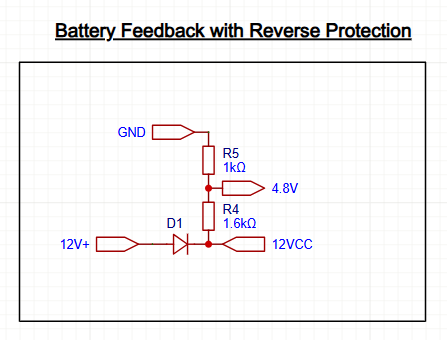
Voltage divider circuit for scaling down battery voltage for microcontroller ADC input with Reverse polarity protection.
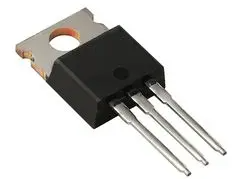
3.3V voltage regulator with heat sink for stable power delivery to all components. Provides up to 800mA output current.
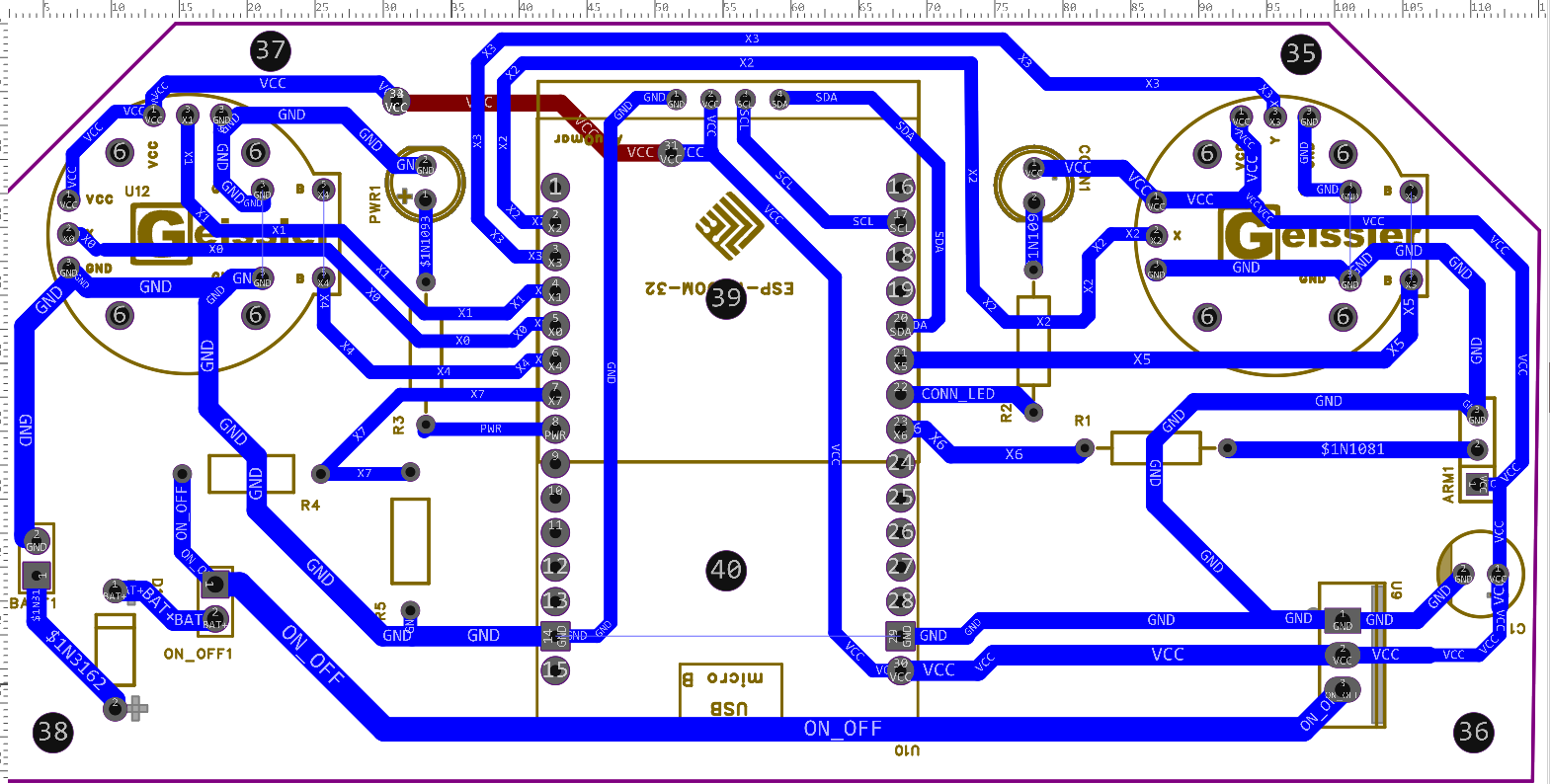
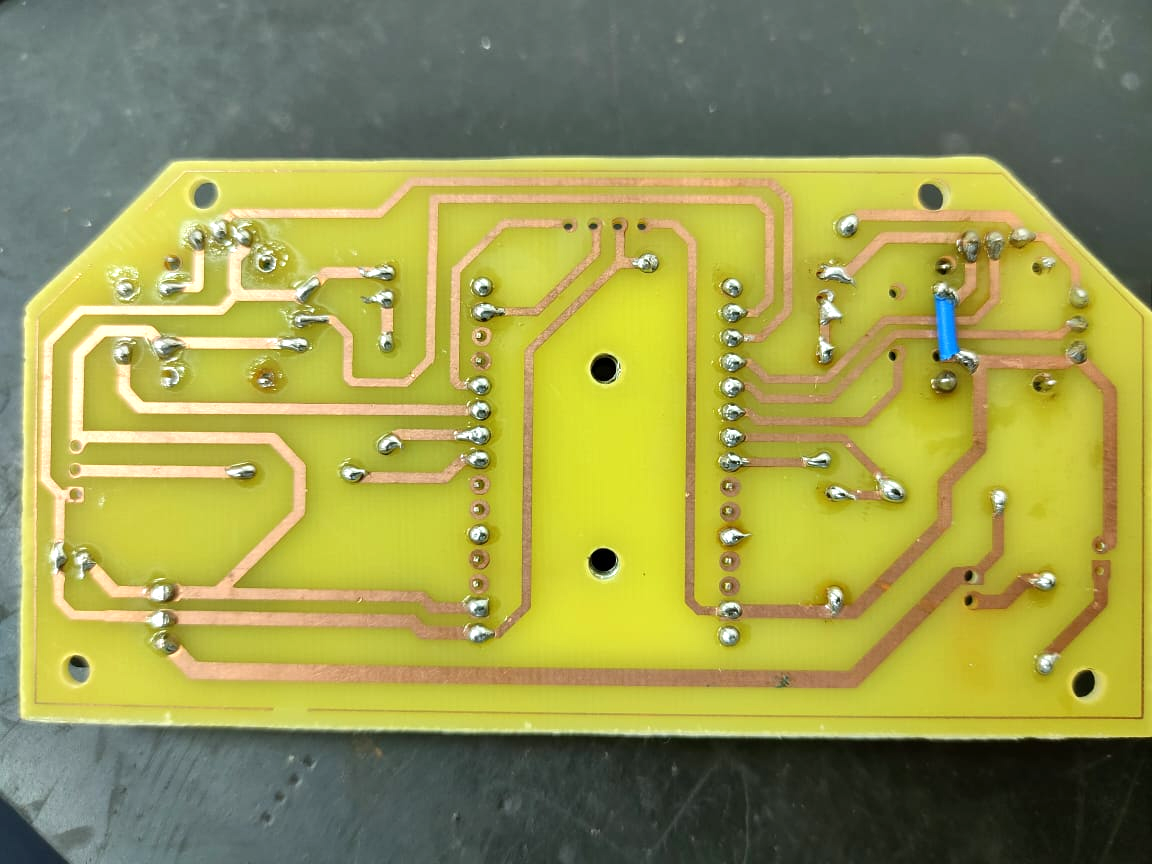
Professional PCB design with protection and management systems
The custom PCB includes several important features for reliability and safety:
The board was designed using EasyEDA and features professional-grade layout with proper grounding, power distribution, and signal integrity considerations.
Custom firmware development for drone control
The flight controller runs custom firmware developed in Arduino IDE with several key libraries:
The firmware includes calibration, battery monitoring, and failsafe mechanisms for safe operation.
#include
#include
#include
#include

// Joystick calibration structure
struct CalibrationData {
  int xMin, xMax, yMin, yMax;
  int centerX, centerY;
};

void setup() {
  // Initialize components
  initDisplay();
  initJoysticks();
  initWireless();

  // Check for calibration data
  if (!isCalibrated()) {
    runCalibrationSequence();
  }

  // Start main operation
  startMainLoop();
}

void loop() {
  readJoysticks();
  updateDisplay();
  sendControlData();
  checkBattery();
  delay(10);
} Visual documentation of the design and build process